Multi-board job discovery
One search reaches all 21 connected employment platforms — from Indeed and LinkedIn to StepStone, Reed, Dice and Xing — through a single, consistent request.
21 employment boards · One dataset
Search across multiple employment platforms, discover relevant opportunities, and organize your job search from one unified workspace.
Free plan · No credit card · Local-first, no telemetry
Platform capabilities
Skarrow turns 21 separate job boards into one clean, sortable, exportable dataset — without inventing a single number.
One search reaches all 21 connected employment platforms — from Indeed and LinkedIn to StepStone, Reed, Dice and Xing — through a single, consistent request.
One form drives the whole run: search term, location, per-board results, posted-within window — and every answer lands in the same normalized fields.
Keyword, source, remote-only and salary filters plus column sorting run instantly in your browser — after the scrape, nothing re-queries the boards.
Expand any row into a structured inspector with the full description, then export the dataset — every returned field — as CSV.
Save promising listings with private notes, track each application through its pipeline, and let saved-search alerts surface what changed — all in the same workspace.
Product preview
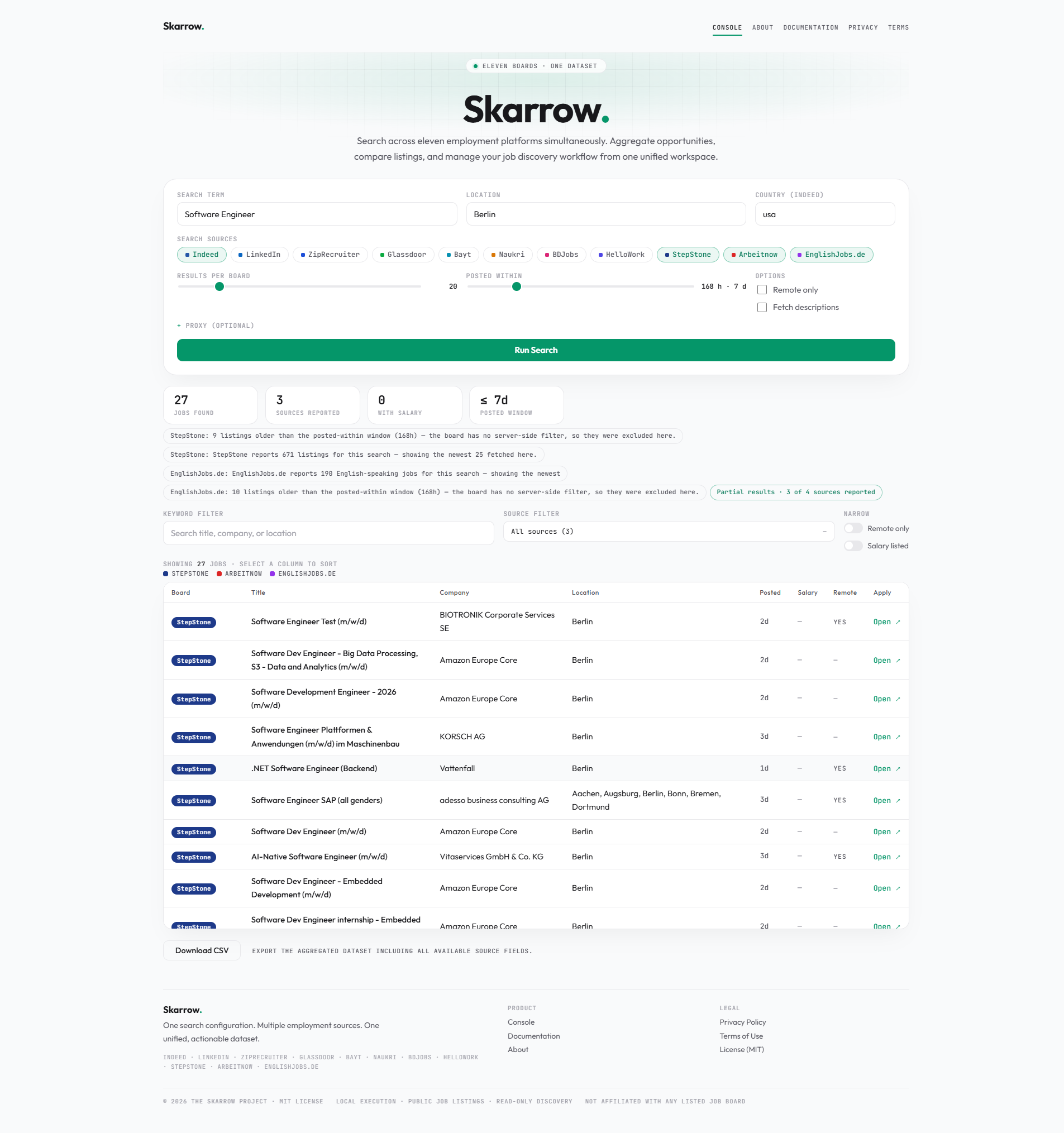
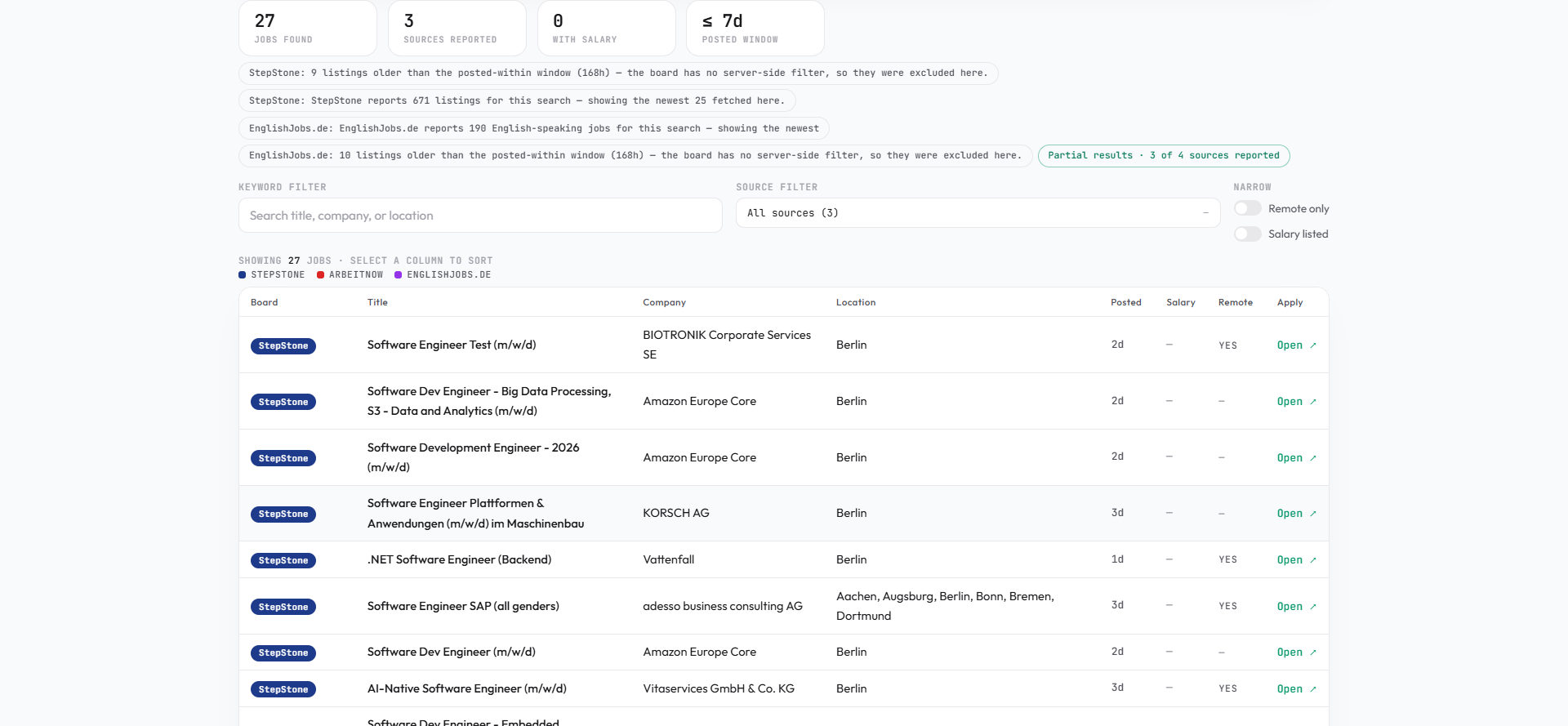
Every listing lands in the same table: which board it came from, what it pays, when it was posted, and a direct link to the original. Failed boards report their real error beside the results — the other sources keep working.
How it works
Enter the search term, pick a location, and set the results per board and the posted-within window.
Choose any combination of the 21 boards — each with its own identity color, and per-board quirks labeled up front.
Skarrow queries the boards, normalizes every answer, and lays the hits into one sortable dataset with honest per-board status.
Filter by keyword or source, narrow to remote or paid roles, inspect any listing, and export the filtered set as CSV.
Pricing preview
Community
$0free forever, in preview
Included today
Get StartedPro
$12/month, indicative
Available at launch
Not purchasable yetEnterprise
Customquoted at launch
Available at launch
Contact opens at launchPaid plans are in preparation; paid checkout is not active yet. Indicative prices are not an offer — final pricing is announced before any purchase becomes possible. The Free plan is fully usable today.
FAQ
Yes — a free one, in one step. The workspace is account-based: your searches, saved jobs and settings stay private to your workspace and nothing of yours is ever shown to another user.
Skarrow searches 21 platforms — including Indeed, LinkedIn, Glassdoor, Dice, StepStone and Xing. The complete list with every board's identity is on the Features page, and the workspace's Integrations page shows the live status of each.
No. After a search completes, every filter, sort, inspector and export runs against the in-memory result set in your browser. Nothing re-queries the boards while you explore.
From the boards themselves. Skarrow normalizes what each source returns into one table and never invents listings, salaries or statistics. A board that fails or rate-limits reports its real error beside your results.
The workspace keeps its queries on your machine: no telemetry, no cookies, no third-party analytics. The only network traffic is the queries sent to the boards you selected. Details are in the Privacy Policy.
They are here: save listings with private notes, track every application through its pipeline, and watch saved searches with daily or weekly alerts — all included on the free plan today.
The Knowledge Base covers the whole workflow in plain language, from your first search to alerts and exports. Anything it does not answer, the contact form will.
Configure a search once, reach 21 employment platforms, and organize everything from one workspace.